WhatsApp vs Telegram for Loot Deals: Key Differences
Both WhatsApp and Telegram can distribute shopping offers from a channel administrator to followers. Neither platform automatically guarantees that every published discount is genuine or that a deal is still available.
| Feature | Telegram | |
|---|---|---|
| Deal updates | One-way channel posts | One-way channel posts |
| Where to browse | Updates tab | Channel conversation |
| Notifications | Channel notifications typically muted initially | Configurable channel notifications |
| Old messages | Limited channel history availability | New subscribers can browse channel history |
| Phone-number privacy | Protected for ordinary followers, with contact exceptions | Depends on account settings and visibility |
| Personal price tracking | Not built into channel following | Not built into channel following |
WhatsApp vs Telegram Notifications: Will You Miss Deals?
When a popular loot offer has limited stock, shoppers may want to see updates quickly. But simply following a channel does not mean every post will trigger a visible phone notification.
WhatsApp Channel Alerts
WhatsApp Channels normally start with notifications muted. You can use the channel's bell or notification settings to enable alerts where available.
Telegram Channel Alerts
Telegram gives subscribers channel notification controls. Actual alerts also depend on whether that channel is muted and on device permissions.
WhatsApp Channel Notifications Not Working?
If you're following a shopping-deals WhatsApp Channel but not seeing alerts, check these settings before assuming the channel has stopped posting.
Open the Channel
In WhatsApp, go to Updates and open the channel you follow.
Check the Bell or Mute Setting
Review its notification controls. If the channel is muted, enable notifications if you want updates.
Check Device Notification Permissions
Ensure your phone allows WhatsApp notifications and that Do Not Disturb or other device settings aren't suppressing them.
WhatsApp vs Telegram Channel Privacy
Privacy matters when you join shopping communities. An ordinary WhatsApp Channel follower is not visible to other followers, and following doesn't normally expose their phone number to admins. However, an admin who already has the follower saved as a contact may have access to more account information.
On Telegram, channel subscriptions and phone-number visibility work differently. Your Telegram privacy settings affect who can see your phone number and discover your account.
WhatsApp Channel
Designed for one-way updates with follower privacy protections. It's not the same as joining a WhatsApp Group conversation.
Telegram Channel
A channel is different from a Telegram Group. Review your account privacy settings before joining unfamiliar communities.
For more detail, read the official WhatsApp Channel privacy guidance .
Which Platform Is Better for Finding Older Shopping Deals?
Shopping deals expire, but older posts can still help you discover a product worth tracking. The ability to find earlier updates matters when deciding which deal community to follow.
WhatsApp Channel History
WhatsApp Channel history has limited availability. It is mainly designed for following updates, not maintaining a permanent price-history database.
Telegram Channel History
Telegram allows new subscribers to browse available channel history, subject to deleted content and access conditions.
An older channel post also isn't reliable evidence of today's product price. Always check the retailer's current price before purchasing.
Why Checking the Actual Deal Matters More Than the Platform
A great-looking offer can appear on WhatsApp, Telegram or another website. What matters is the product, final checkout price, terms and availability.
These historical retailer screenshots show examples of steep shopping discounts. Swipe to view them. They do not prove that an offer is currently active or that it was posted on either channel.
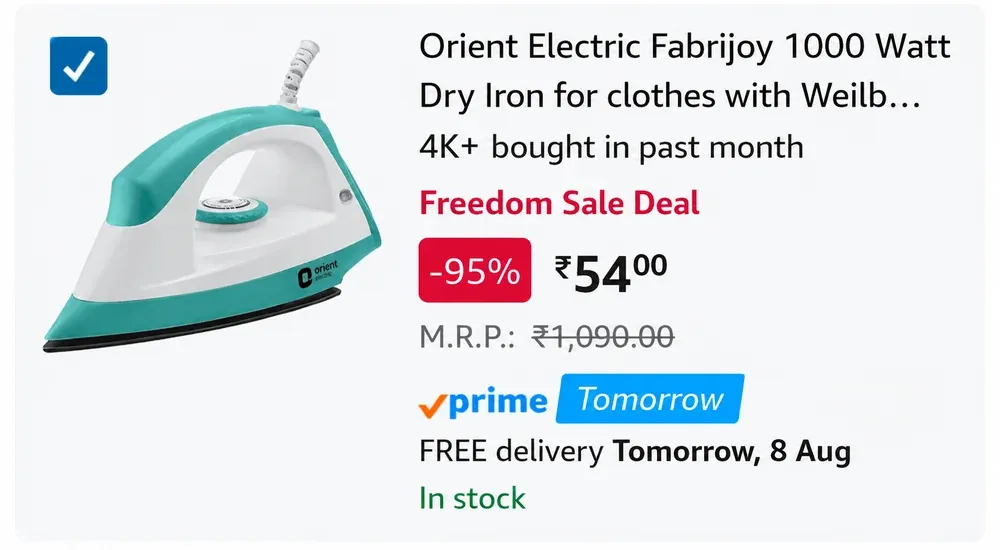
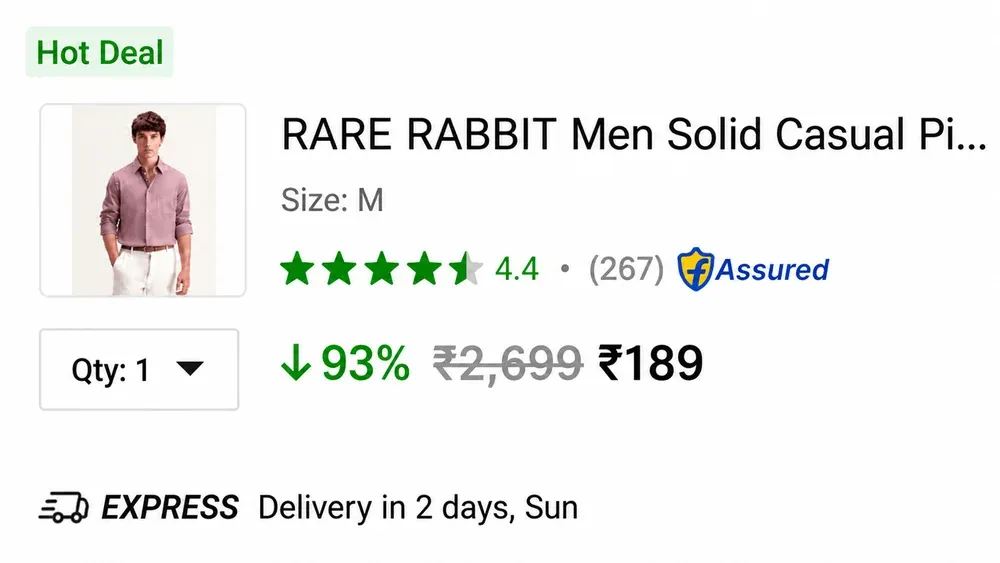
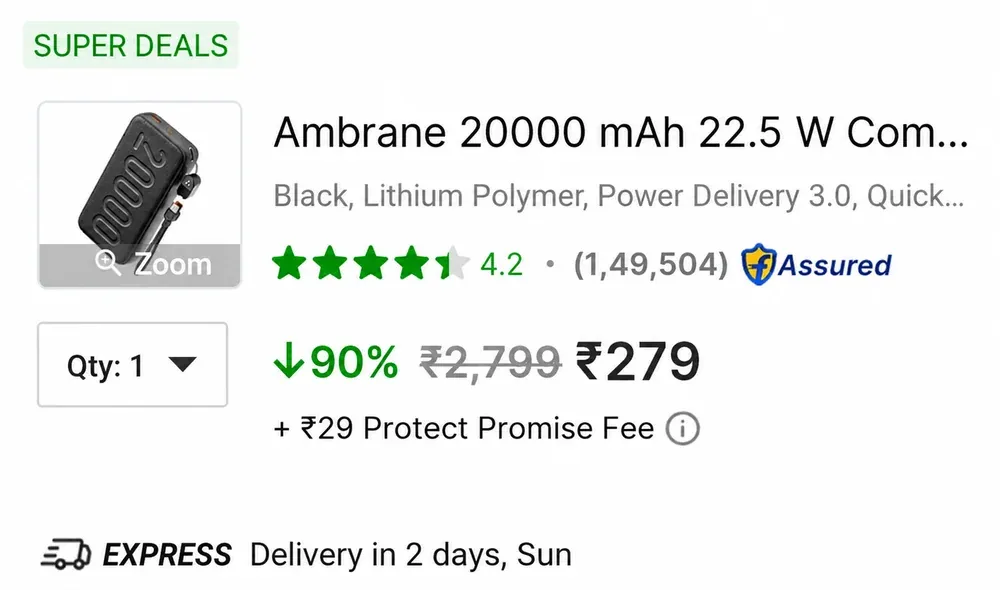
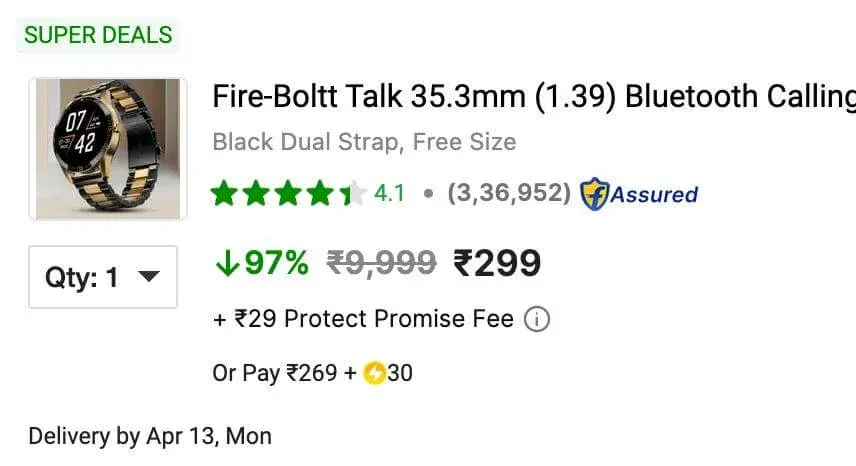
Historical offer screenshots only. Prices and retailer conditions may have changed.
WhatsApp, Telegram or a Price Tracker App?
The important distinction is between discovering shared deals and tracking a product you personally want to buy.
Imagine you're planning to buy a particular smartphone. You could wait for someone to share its discount on WhatsApp or Telegram. But that channel may focus on hundreds of unrelated offers instead.
With Loot Deals App, you can track supported products and receive personalised alerts when their recorded prices drop.
Channels: Discover Offers
Browse selected deals that a channel administrator shares with followers.
App: Follow Your Product
Track a chosen product and explore available historical price records.
Want Product-Specific Price Drop Alerts?
Explore Loot Deals App to track supported shopping products instead of relying only on general deal channels.
📱 Download Loot Deals App FreeYou can also read our Price Drop Alerts and Price History Checker guides to understand how the tools work.
Best Option for Different Types of Deal Hunters
Choose WhatsApp If...
You prefer following shopping updates inside WhatsApp's familiar Updates section.
Choose Telegram If...
You prefer browsing channel messages and exploring available older posts.
Choose Price Tracking If...
You want to monitor the price of a specific product rather than browse general deals.
Use Both Channels If...
You want to compare the experience yourself and manage each channel's notifications.
Choose How You Want Your Deal Updates
Loot Deals App offers both a WhatsApp Channel and a Telegram Channel, so you can follow your preferred platform.
FAQs: WhatsApp vs Telegram Shopping Deals
Is WhatsApp or Telegram better for loot deals?
Neither is universally better. WhatsApp is convenient for people already using WhatsApp Channels, while Telegram offers accessible channel history. Choose based on your browsing and notification preferences.
Are WhatsApp Channel notifications muted by default?
WhatsApp's official documentation says Channel notifications are muted by default. Check the channel's notification settings if you want alerts.
Is Telegram faster than WhatsApp for deals?
We haven't conducted controlled delivery-speed tests. Actual notification timing depends on connectivity, device settings and platform behavior.
Can I see older shopping deals on Telegram?
Telegram generally allows new channel subscribers to access available message history. Older deals may be expired and should be rechecked.
Does joining a WhatsApp Channel reveal my number?
Other ordinary channel followers cannot see your phone number. Channel administrators have limited visibility, with extra information potentially available if they already have you saved as a contact.
How do I get price-drop alerts for my own products?
Use a dedicated product price tracker such as Loot Deals App, which supports individual product monitoring and price-drop alerts.
Explore More Shopping Deals Guides
Platform feature sources: WhatsApp Channels, WhatsApp Privacy Guidance, and Telegram Channels FAQ.